In-App Help That Knows Where You Are
Volunteer board members and residents should not have to guess where a setting lives or which tool to open. HOA Web Assistant follows you across HOAResidents.com with contextual guidance for the page you are on — quick steps, suggested questions, and links to related features when you need a nudge.
Contextual in-app help
A floating HOA Web Assistant on every authenticated page with page-aware guidance, quick steps, and links to related features.
Expanded AI guidance
Higher message limits and deeper workflow guidance across advanced board tools, documents, and operations.
Reduce support email with contextual in-app guidance
HOA software only saves time if people can actually use it. New board members and residents often email asking where to upload documents, how to post an announcement, or which screen approves access requests. HOA Web Assistant is a floating help panel on every authenticated page that understands your current context and surfaces relevant steps immediately.
Open the assistant with one click or Ctrl+/ to see quick steps for the feature you are using, ask how to complete a task, or jump to related tools. Core includes everyday guidance for volunteer boards; Pro adds expanded AI help and higher message limits for deeper workflow questions across documents, violations, and operations.
In the product
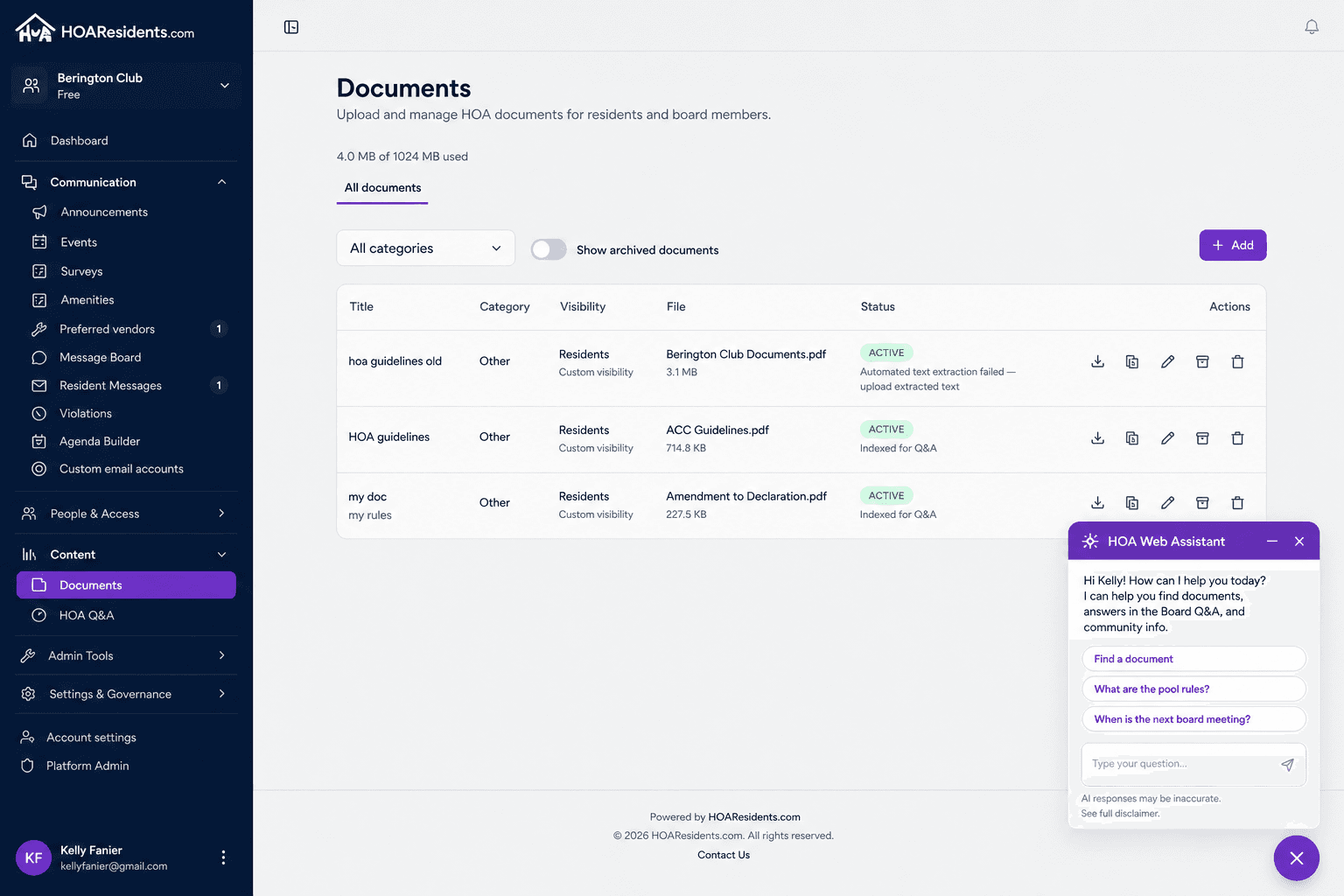
Contextual help stays one click away on every page — including the floating HOA Web Assistant. 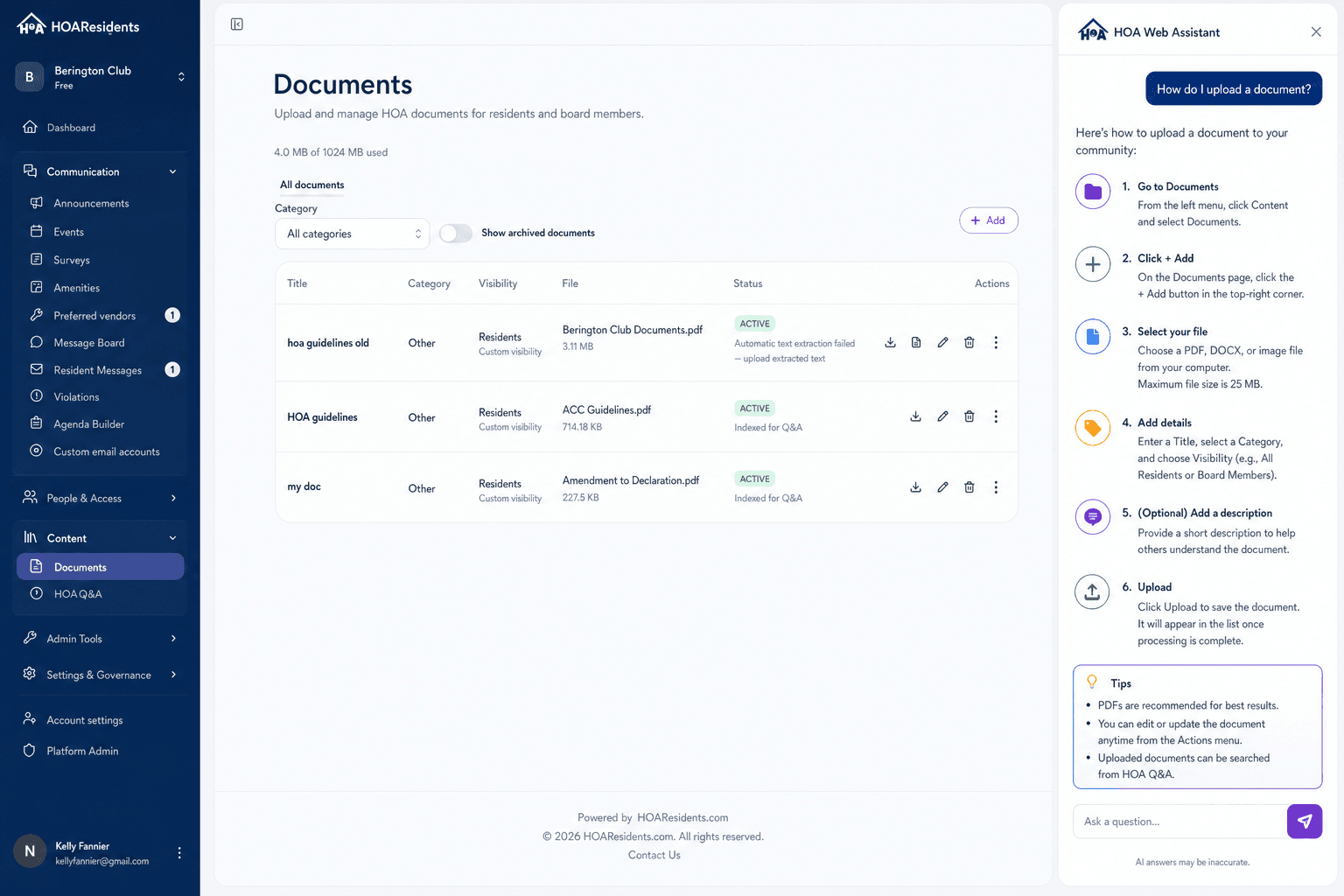
Ask how to do something in the app and get steps that match the screen you are on. 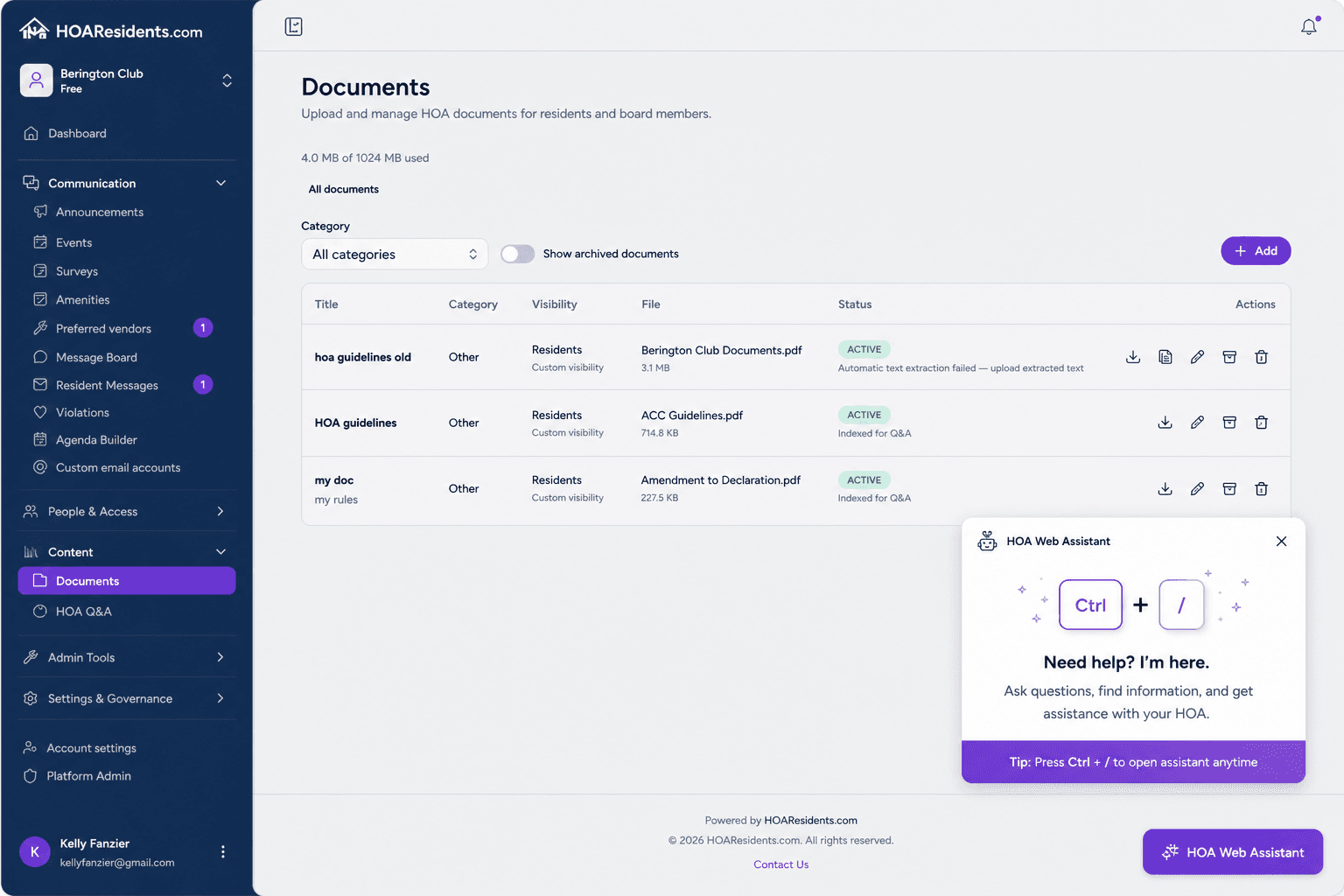
Open help quickly with Ctrl+/ so new board members ramp without a training manual.
How communities use HOA Web Assistant
New board member onboarding
A treasurer opens violation settings for the first time and asks the assistant how to promote a resident report into a case — getting step-by-step guidance without emailing the outgoing president.
Residents learning the portal
A homeowner on the document library page asks how to find the pet policy. The assistant points them to search and Q&A tools instead of contacting the board for basic navigation help.
Day-to-day task reminders
While scheduling an announcement, a board member uses suggested questions to confirm how resident notification works before publishing — reducing mistakes and follow-up corrections.
Key benefits for volunteer boards
- Floating help button on every authenticated page — open with one click or Ctrl+/
- Page-aware context shows quick steps for the feature you are using right now
- Ask how to complete a task, find a setting, or choose the right tool
- Suggested questions and related-feature links cut down on support email to the board
- Core includes everyday guidance; Pro adds expanded AI help and higher message limits
Frequently asked questions
- Is HOA Web Assistant available on every page?
- Yes. A floating help button appears on authenticated pages throughout HOAResidents.com. Open it with a click or the Ctrl+/ keyboard shortcut.
- Does the assistant know which feature I am using?
- Yes. The assistant is page-aware and shows quick steps, suggested questions, and related-feature links based on where you are in the app.
- What is the difference between Core and Pro for Web Assistant?
- Core includes contextual guidance and everyday help. Pro adds expanded AI assistance and higher message limits for more complex workflow questions.
Related features
Explore HOAResidents.com
Full platform access at no cost
Get a free HOA website with public documents, resident portal, message board, AI document Q&A, document management, and operations tools — everything included through January 1, 2027.
Sign up now and lock in Pro features at Core pricing when paid plans begin — as low as $20/month per 100 homes.
No credit card required. Personalized setup assistance available.