HOA Message Board for Resident Discussions
Neighborhood conversations belong somewhere organized — not in reply-all email chains. Give your community a moderated discussion board with email notifications, so board members stay in control without babysitting scattered threads. (Official board requests still belong in your HOA messenger — resident messages.)
Standard message board
Neighbor discussion board with email notifications — separate from your official HOA messenger inbox.
Advanced moderation
Categories, pinned posts, and expanded moderation tools for boards that need tighter control.
Why HOAs need a message board instead of reply-all email
Neighborhood conversations are valuable — lost pet posts, contractor recommendations, event planning — but they do not belong in reply-all email that overwhelms every homeowner. A dedicated HOA message board keeps discussions searchable, organized, and separate from official board business in your HOA messenger inbox.
Use the message board for neighbor-to-neighbor discussion; use resident messages (HOA messenger) for formal requests that need a board response. Board members pin important posts, hide or remove content that crosses the line, and let email notifications bring residents back when conversations update. Core includes standard discussions with moderation essentials; Pro adds categories, pinned-post workflows, and expanded moderation tools for larger communities that need tighter control.
In the product
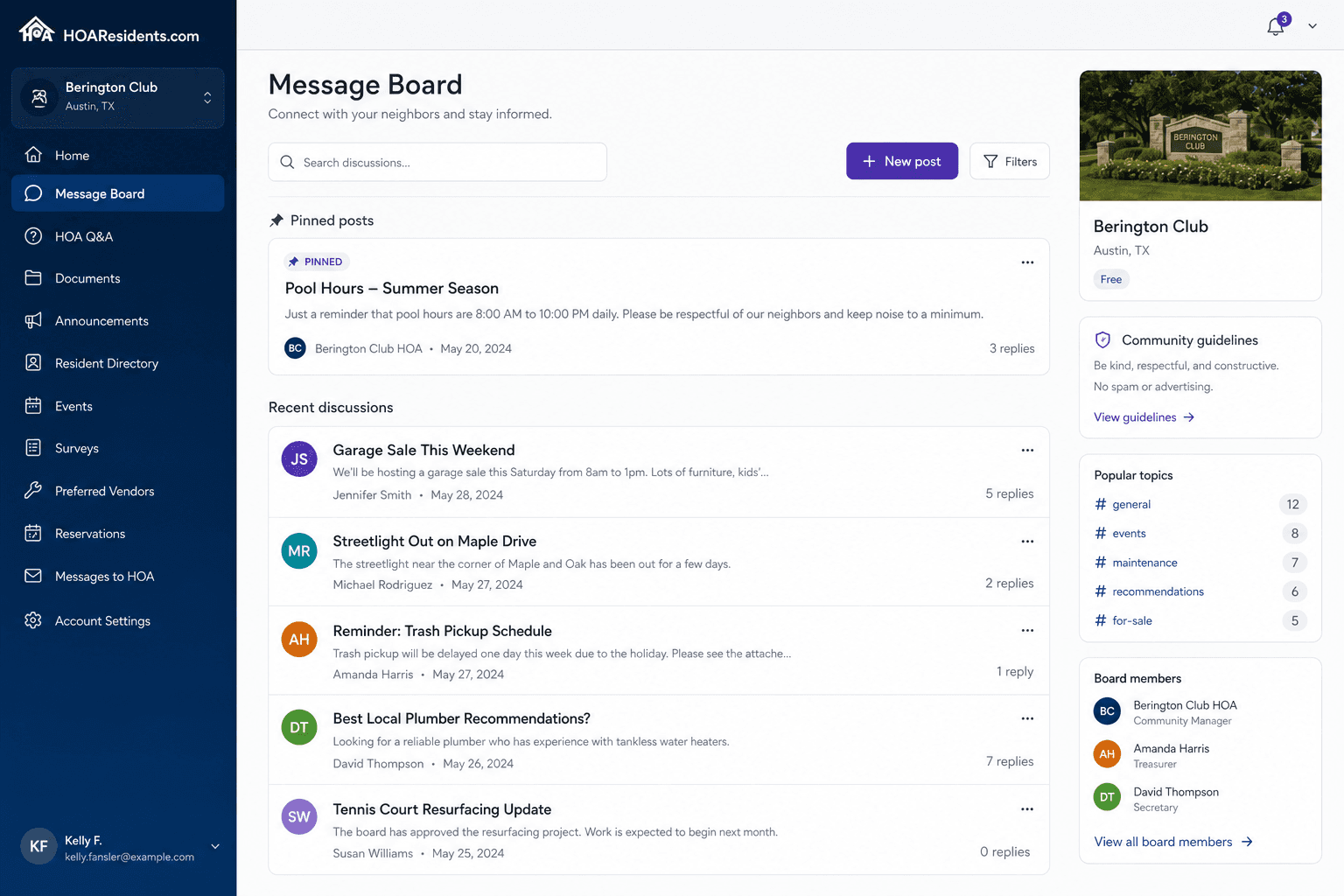
A moderated discussion space residents actually use — not a Facebook group you cannot control. 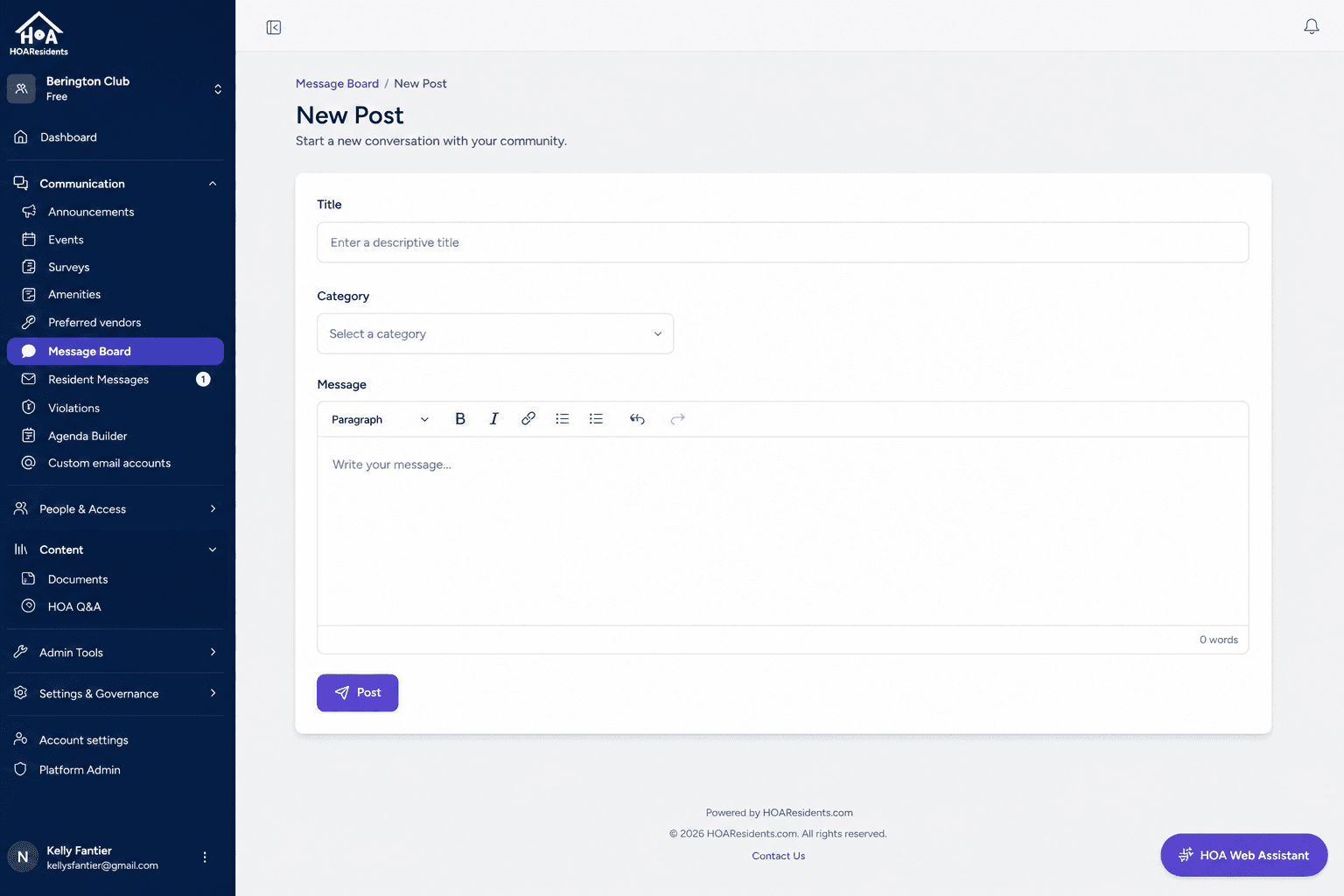
Residents post updates and questions in categories the board defines. 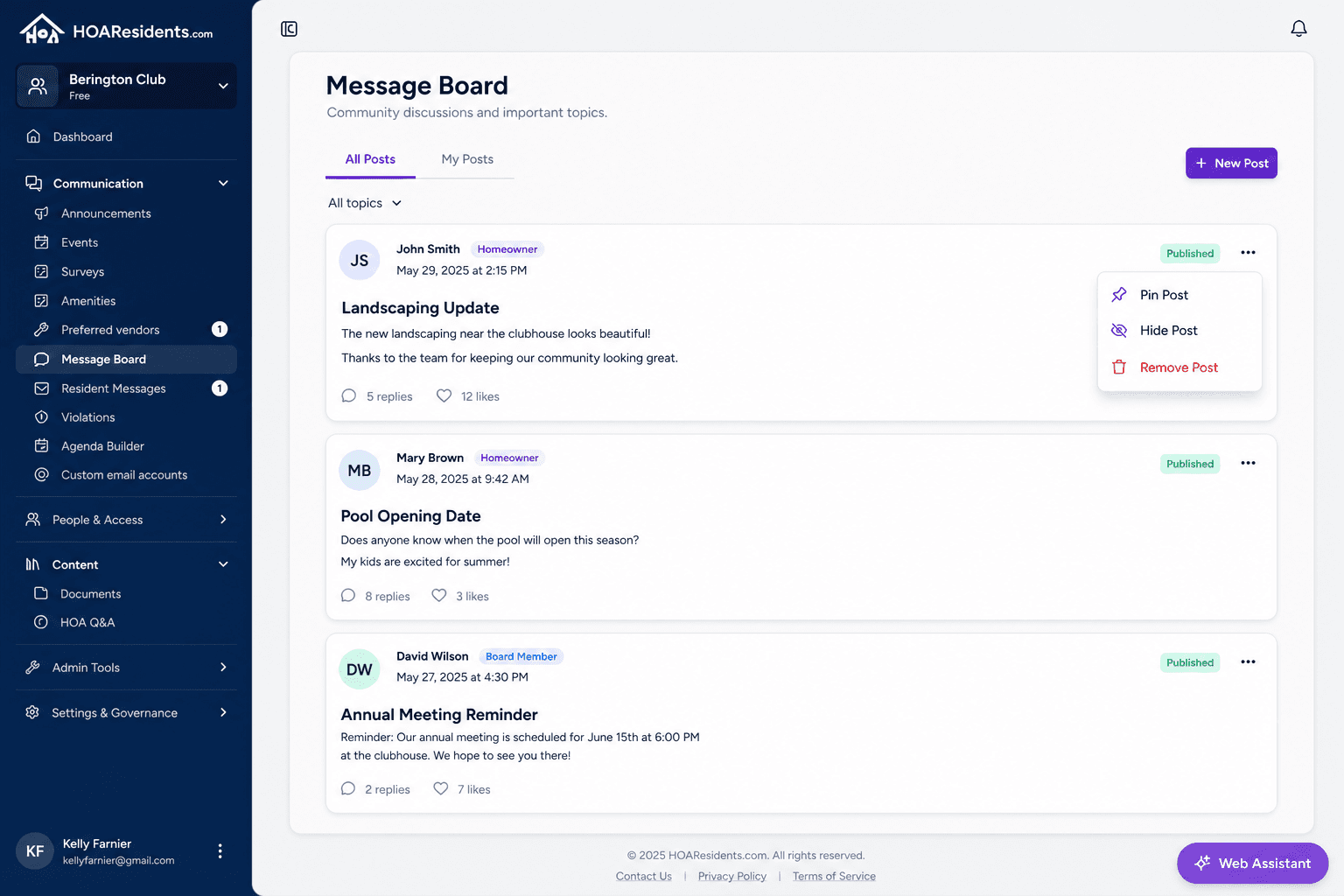
Pin important posts, hide noise, and keep the board civil without deleting the whole thread history.
Common HOA message board use cases
Lost pet and safety notices
A resident posts about a missing dog with a photo. Neighbors reply in one thread, the board pins the post for visibility, and the conversation stays out of everyone's personal email.
Contractor and vendor recommendations
Homeowners ask for landscaper or plumber referrals. Past recommendations stay searchable on the board instead of buried in year-old email threads.
Community questions without board inbox clutter
General neighborhood questions happen on the message board while formal requests still flow through your HOA messenger — keeping board inboxes for items that need official response.
Key benefits for volunteer boards
- Replace chaotic email threads with organized, searchable discussions
- Pin important posts so residents see what matters
- Hide or remove posts that cross the line — moderation tools built in
- Email notifications keep residents engaged without you forwarding messages
- Keep neighbor chat separate from official HOA messenger requests
Frequently asked questions
- Is the message board the same as HOA messenger / resident messages?
- No. The message board is for community discussion among neighbors. Resident messages (HOA messenger) is your board communication platform for official requests that need status tracking and a formal reply.
- Can the board moderate message board posts?
- Yes. Board members can pin important posts, hide off-topic threads, and remove content that violates community guidelines — moderation tools are built in.
- Do residents get notified about new discussions?
- Yes. Email notifications keep residents engaged when conversations update, without the board manually forwarding messages.
Related features
Explore HOAResidents.com
Full platform access at no cost
Get a free HOA website with public documents, resident portal, message board, AI document Q&A, document management, and operations tools — everything included through January 1, 2027.
Sign up now and lock in Pro features at Core pricing when paid plans begin — as low as $20/month per 100 homes.
No credit card required. Personalized setup assistance available.