Board Meetings Without Scattered Notes and Lost Follow-Ups
Agendas shouldn't live in email threads and meeting notes shouldn't disappear after adjournment. HOAResidents.com Agenda Builder gives volunteer boards one place to schedule meetings, collect topics from resident messages and requests, take structured notes, generate professional minutes with AI, and export or save to your document library.
Run board meetings with less prep and better follow-through
Volunteer board members often build agendas in Word documents, collect topics from scattered emails, and scramble after meetings to write minutes from handwritten notes. Agenda Builder centralizes meeting planning so your board starts each session organized and ends with actionable records.
Create meetings with standing agenda items or one-off topics, assign resident messages and announcement requests directly to upcoming agendas, and capture per-item notes during or after the meeting. Generate AI-assisted minutes from your agenda and notes, edit before publishing, then export to Word or Excel or save minutes as a DOCX in your board document library.
In the product
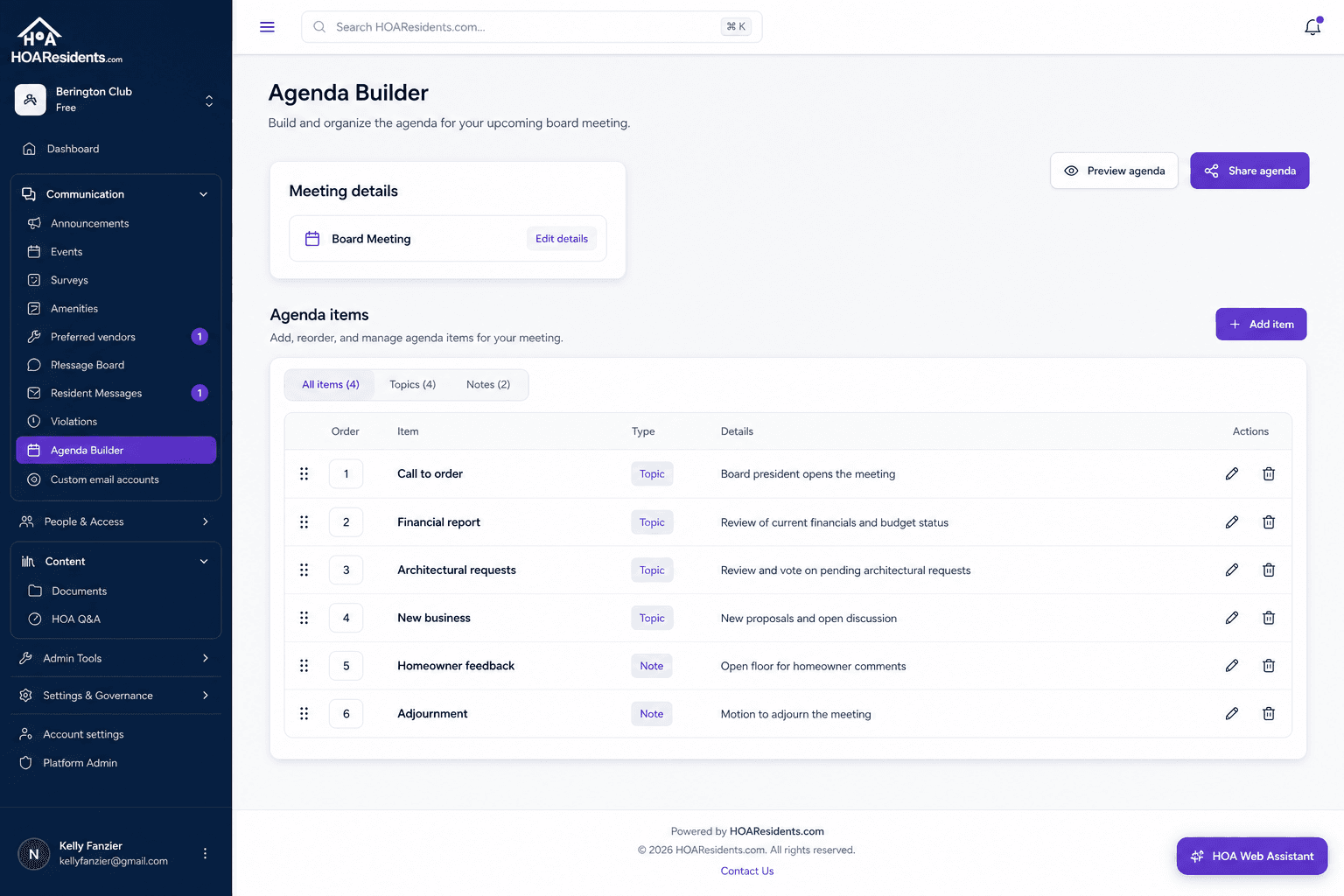
Build the meeting agenda in one place — topics, owners, and quick notes without scattered docs. 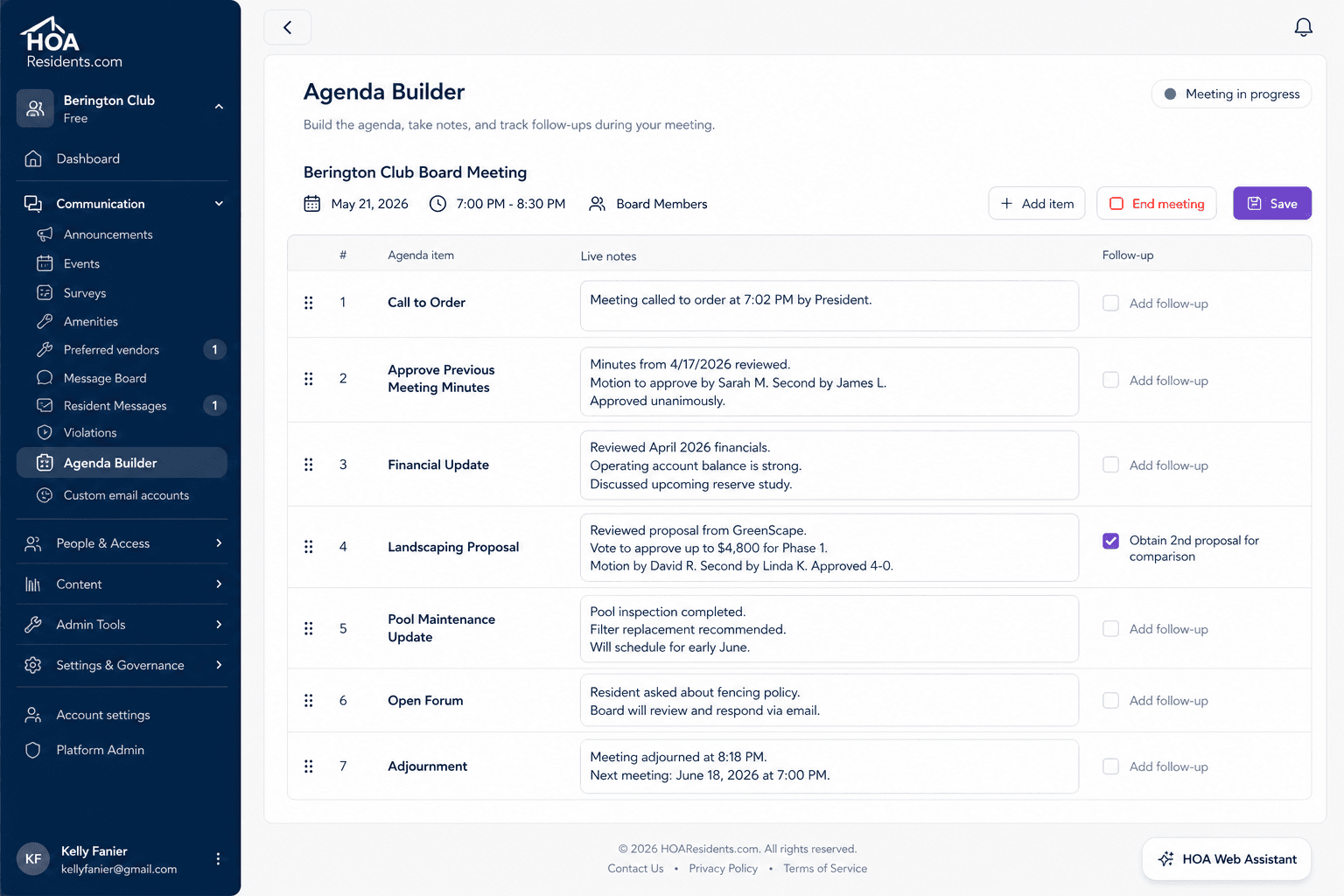
Capture decisions and follow-ups while the meeting is happening so nothing lives only in someone’s notebook. 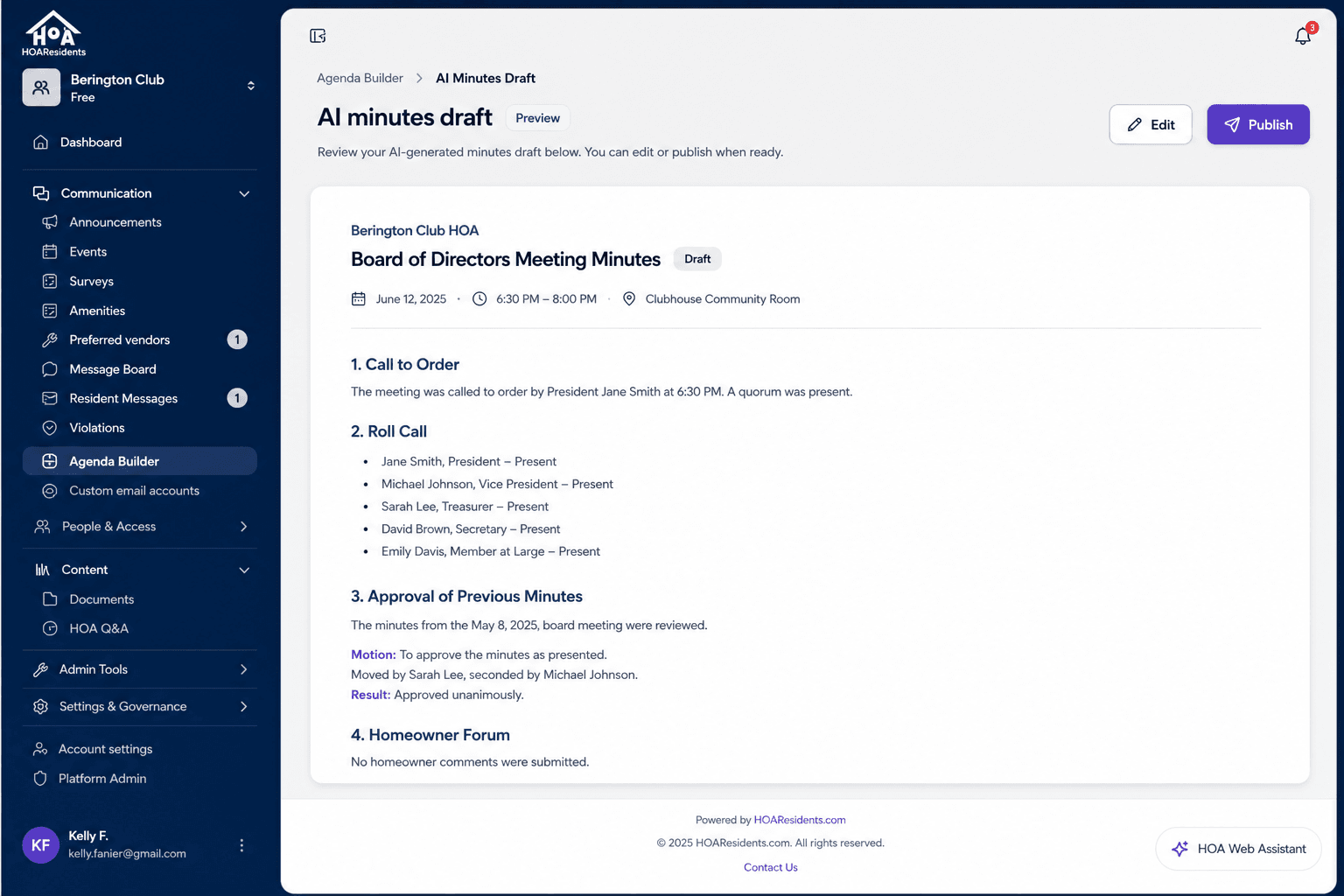
Draft resident-ready minutes with AI from the agenda and notes, then edit before you publish.
How volunteer boards use Agenda Builder
Monthly board meeting prep
The secretary builds the agenda from standing items plus new topics pulled from resident messages assigned during the month — no more copying bullet points from email into a separate document.
Annual meeting documentation
Capture election results, budget votes, and homeowner questions as structured agenda notes, then generate formal minutes for your records and document library.
Follow-up tracking after adjournment
Action items from meeting notes stay tied to the agenda so board members know what was decided and who owns the next step before the next meeting.
Key benefits for volunteer boards
- Create board meetings and build agendas with standing items or meeting-specific topics
- Assign resident messages, announcement requests, and event requests to upcoming meetings from intake screens
- Capture per-item notes during or after the meeting in one organized view
- Generate AI meeting minutes from your agenda and notes, then edit before saving
- Export agenda and notes to Word or Excel, or save minutes as a DOCX in your board document library
Frequently asked questions
- Can resident requests appear on the board agenda automatically?
- Board members can assign resident messages, announcement requests, and event requests to an upcoming meeting from intake screens — so community input reaches the agenda without manual copy-paste.
- Does Agenda Builder generate meeting minutes?
- Yes. AI can draft formal minutes from your agenda items and meeting notes. You review and edit before saving or exporting.
- Where do saved minutes go?
- You can export agendas and notes to Word or Excel, or save generated minutes as a DOCX directly in your HOA document library for long-term board records.
Related features
Explore HOAResidents.com
Full platform access at no cost
Get a free HOA website with public documents, resident portal, message board, AI document Q&A, document management, and operations tools — everything included through January 1, 2027.
Sign up now and lock in Pro features at Core pricing when paid plans begin — as low as $20/month per 100 homes.
No credit card required. Personalized setup assistance available.