How to automate resident announcement emails for your HOA
Date published: July 18, 2026
Updated: July 18, 2026
Author: Kelly Fansler, Founder HOAResidents
Learn how to automate resident announcement emails on HOAResidents.com—and how HOA Emergency BOLO Announcements can reach residents by email and text based on user preference for urgent lookouts.
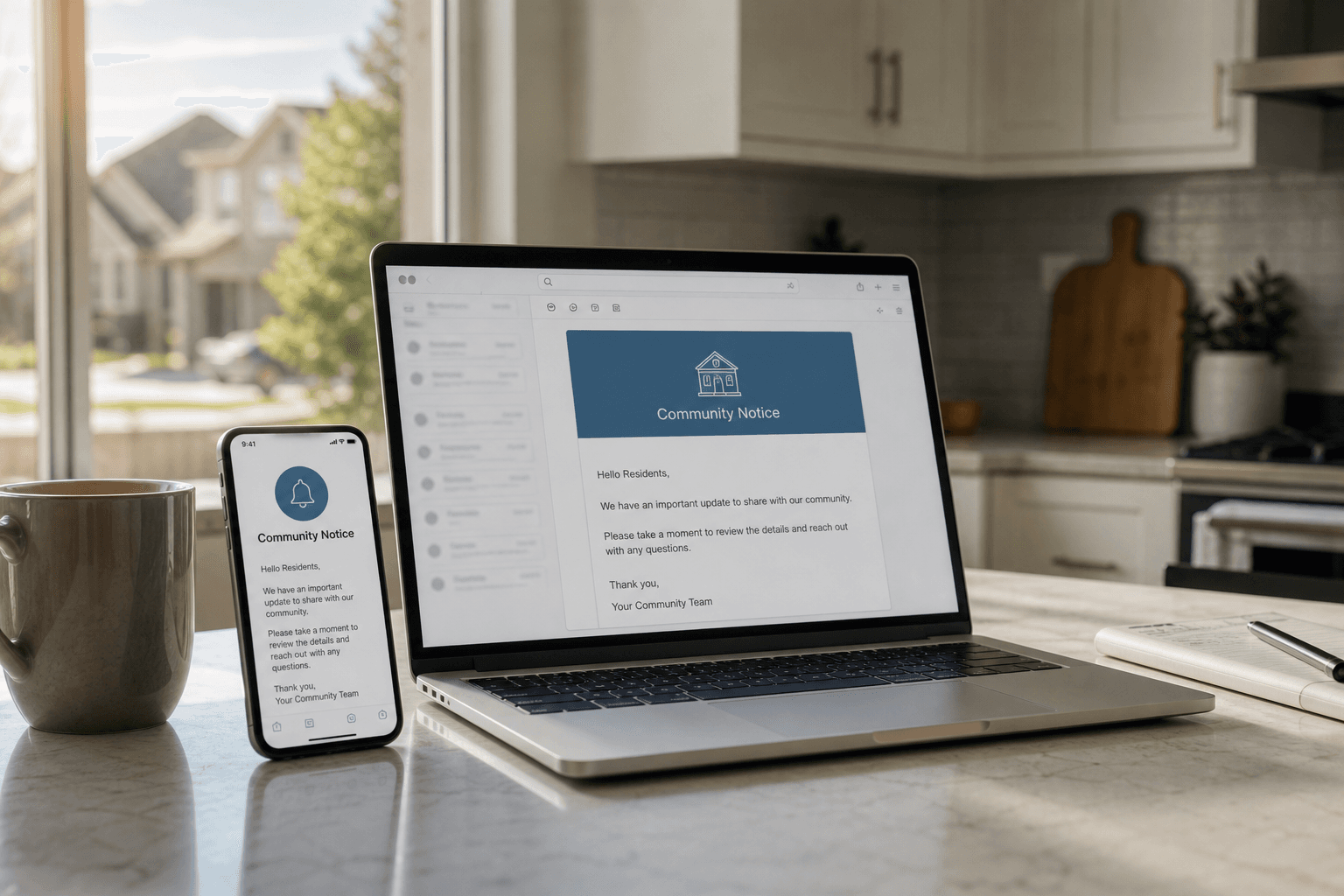
If you serve on an HOA board, you already know the Friday-afternoon scramble: someone needs to tell the whole community the pool is closed, a road is blocked, or a meeting moved — and the “system” is still a BCC list, a Facebook group, and whoever still has last year’s email export.
That is why boards search for how to automate resident announcement emails. The goal is simple: write the update once, schedule it, and have residents get a reliable email when it goes live — without rebuilding the distribution list every time.
HOAResidents.com includes Announcements that email residents when you publish, plus HOA Emergency BOLO Announcements for Be On the Look Out safety alerts that can reach residents by email and text based on each resident’s preferences. For the broader practice guide, see the HOA BOLO Notification Guide and Reviews. Below is the product walkthrough for everyday announcement email automation.
What “automate resident announcement emails” should mean
Automation should not mean blasting spam. It should mean:
- One official channel for community notices — not five half-updated ones.
- Publish once on your HOA site so the notice stays findable.
- Email residents automatically when the announcement publishes.
- Schedule ahead so maintenance closures and meeting reminders go out even if nobody is free at 6 a.m.
How HOAResidents.com sends announcement emails
Board members draft an announcement in the portal — with optional AI help for clearer wording — then publish or schedule it. When it goes live, residents can receive email notification automatically. That is the core of automated resident announcement emails: the publish action triggers delivery, so you are not copying the same paragraph into Outlook for the tenth time.
Urgent safety lookouts use a separate workflow: HOA Emergency BOLO Announcements. Those Be On the Look Out notices stay on the portal as the official record and can notify residents by opt-in email and/or opt-in SMS based on preference — not the same as a routine announcement email blast. Safety alerts deserve that reliability, not a frantic group text that half the community never sees.
A Saturday-morning setup checklist
- Confirm your HOA is live on HOAResidents.com with residents connected to properties (or at least invitations underway).
- Write one test announcement — something low stakes like “Welcome to the new community notice board.”
- Publish with email notification enabled and verify a board member and a resident both receive it.
- Schedule a real future notice (pool hours, landscaping, or a board meeting) so you feel the automation, not just the one-off send.
- Reserve HOA Emergency BOLO Announcements for true lookouts so urgent safety alerts stay distinct from routine community news — and ask residents to set BOLO email/SMS preferences.
What this replaces
Most boards are not looking for another marketing tool. They want to retire:
- Manual BCC lists that go stale after every move-in
- Reply-all storms when someone hits “reply all” on a community notice
- Facebook posts that renters and quieter neighbors never see
- Last-minute scramble texts for closures the board already knew about
Automated announcement email is not flashy — it is operational. And that is exactly what volunteer boards need.
Related tools that reduce email chaos further
Announcements handle one-to-many community notices. Day-to-day resident questions belong in a shared inbox for the HOA board, and inbound mail to your community address works best with professional HOA email forwarding into that same inbox. For Be On the Look Out safety alerts with preference-based email and text, see HOA Emergency BOLO Announcements.
Try it free
HOAResidents.com is free through January 2027. Sign up, connect a few residents, and automate your next community notice instead of rebuilding another email list. See Announcements, explore HOA Emergency BOLO Announcements, read the BOLO notification guide and reviews, or review pricing and the founding rate lock.
In the product
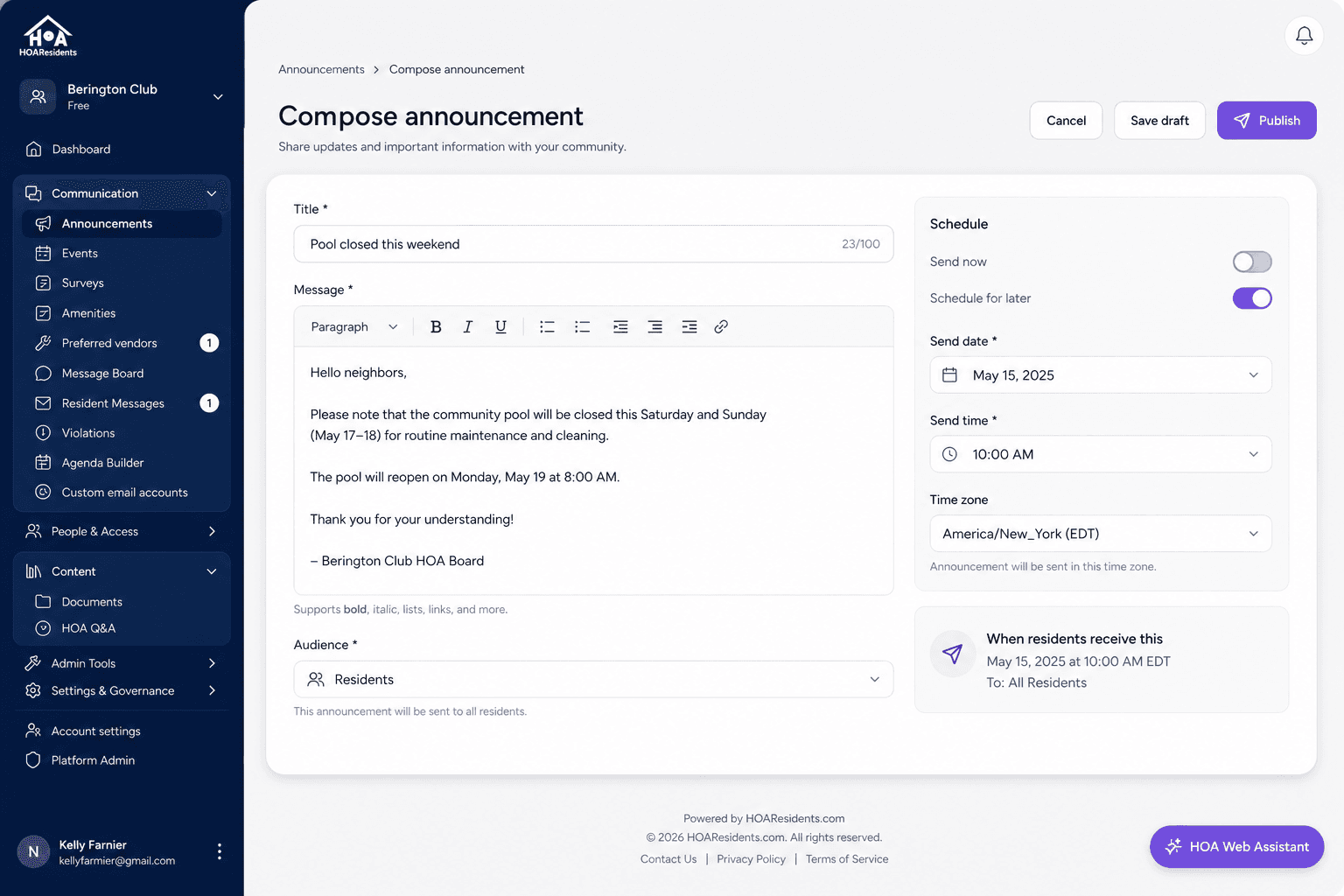
Compose once: write the announcement, choose the audience, and schedule when it sends. 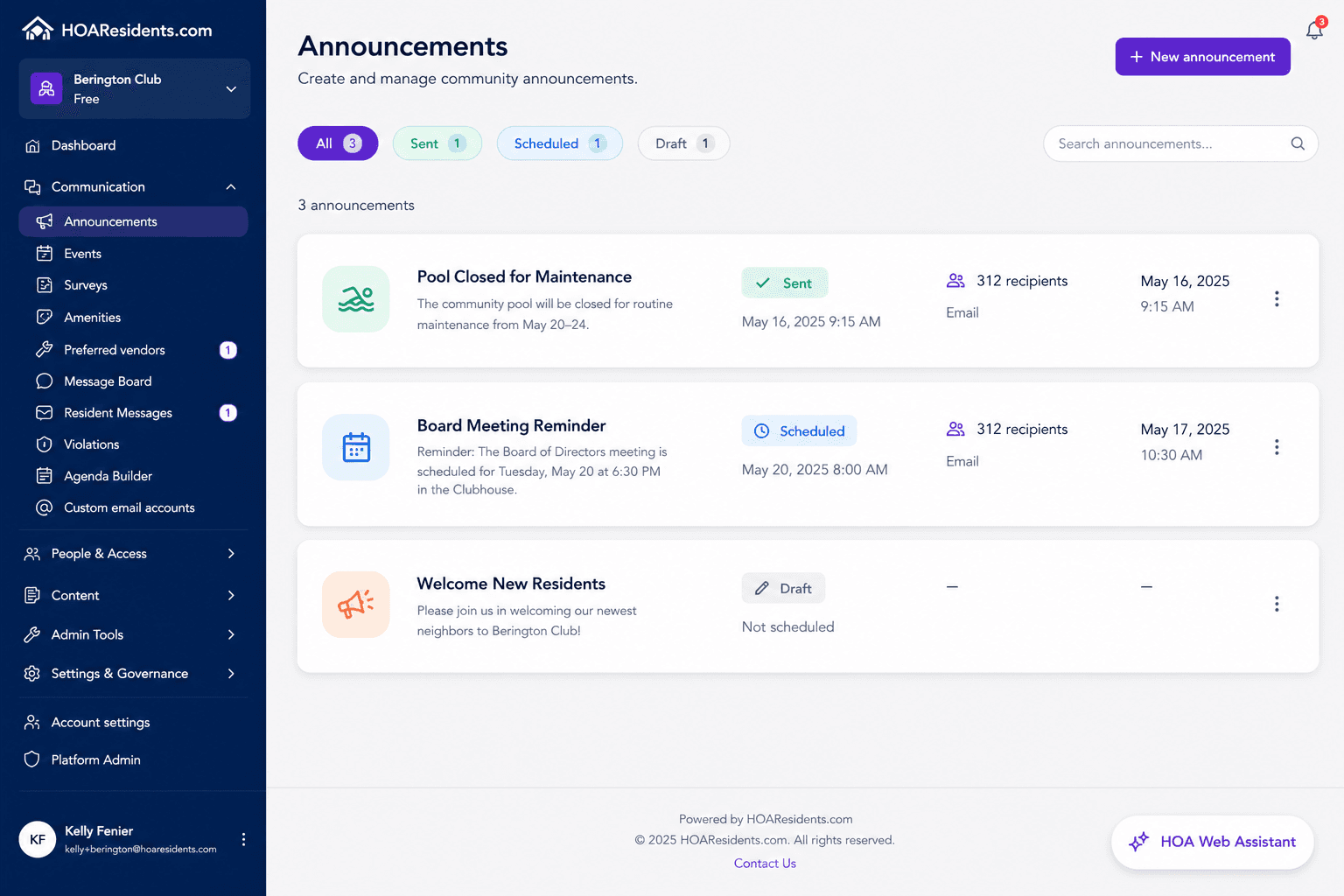
Scheduled notices and BOLOs: track what is queued, sent, and urgent for the community. 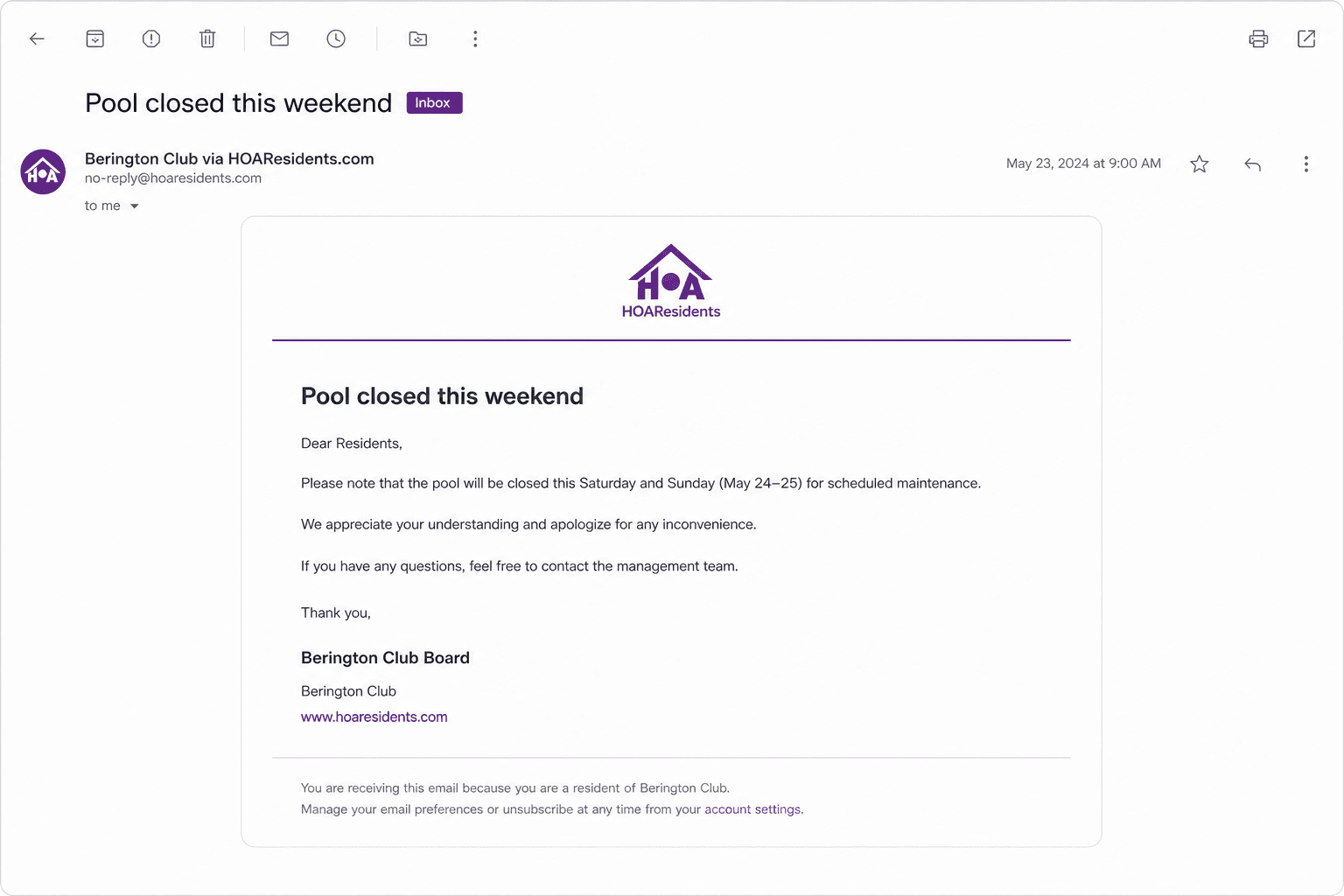
Resident inbox: homeowners get the notice by email without personal BCC lists from the board.